
The front door is where most visitors, deliveries and, unfortunately, many burglars show up. A video doorbell lets you see and talk to whoever is there from anywhere, whether you’re in the back yard, at work in Charleston or on vacation. For many homeowners, it’s the single most useful piece of security equipment they own.
Here’s how video doorbells protect your home, what to look for and how to get the most out of one.
How Video Doorbells Improve Security
- They make your home look occupied: many burglars knock or ring the doorbell first to see if anyone is home. With a video doorbell, you can answer from your phone, so it always sounds like someone is there.
- They’re a visible deterrent: a camera at the door tells would-be thieves they’re being recorded.
- They record evidence: if something happens, you have video of faces, vehicles and the time it happened to share with police or your insurance company.
- They alert you instantly: motion and person alerts let you know someone is at the door before they even ring.
Stopping Package Theft
Package theft is one of the most common reasons people buy a video doorbell. Package detection alerts you when a delivery arrives, and you can tell the driver where to leave it or ask a neighbor to grab it. Models with a second, downward-facing camera can see packages sitting right at the foot of the door. For more tips, read how to protect your home from porch pirates.
Features to Look For
- Head-to-toe view: a tall field of view shows the visitor and packages on the ground.
- HD video and good night vision: clear enough to recognize faces at night.
- Person and package detection: fewer alerts from passing cars and blowing leaves.
- Two-way talk and quick replies: speak with visitors or play a pre-recorded message.
- Motion zones and privacy zones: ignore the street and your neighbor’s yard.
- Works with your other devices: see the doorbell on an Echo Show or Google display, or have it turn on the porch light.
Battery vs. Wired Video Doorbells
Battery doorbells are easy to install anywhere, even if your home doesn’t have an existing doorbell. The tradeoff is recharging the battery, which needs to happen more often in cold weather and at busy front doors.
Wired doorbells connect to your existing doorbell wiring, so they never need charging. They also tend to respond faster and support more features, like continuous power for quicker live view. If you have a working doorbell already, a wired model is usually the better choice. If your doorbell transformer is too weak or your wiring is old, a quick upgrade often solves it.
Popular Video Doorbell Brands
Ring is the video doorbell we install most. It’s easy to use, works with Ring cameras and the Ring alarm system in one app, and pairs well with Alexa. Google Nest doorbells are a strong choice for Google Home users, and eufy offers doorbells that store video locally without a monthly fee. Like cameras, most brands require a subscription to save recordings, so factor that into your decision. Our security camera comparison covers each brand in more detail.
Installation Tips
- Mount the doorbell around 48 inches from the ground so it captures faces, not the tops of heads.
- Use a wedge or corner mount if your door is set back or the doorbell faces a wall.
- Check your Wi-Fi signal at the front door. Front doors are often the farthest point from the router, and a weak signal causes slow live view and missed alerts. A mesh Wi-Fi node or Wi-Fi extender near the door often fixes it.
- Set motion zones so the doorbell ignores the street and sidewalk.
- Pair it with a smart lock so you can let in family or guests after seeing them at the door.
Settings Worth Changing After Installation
- Motion zones: limit motion alerts to your porch and walkway so cars and passersby don’t trigger them.
- Person and package alerts: turn these on and general motion alerts down to cut notification overload.
- Quick replies: set a message like “We’ll be right there” or “Please leave the package by the door.”
- Chime and Alexa announcements: have the doorbell announce visitors on Echo devices or ring an indoor chime.
- Two-factor authentication: protect your camera account with a code sent to your phone.
- Shared users: give family members their own logins instead of sharing a password.
Video Doorbells for Renters
Renters can still enjoy a video doorbell. Battery models mount with a few screws, or with a no-drill mount on some doors, and come with you when you move. Just check with your landlord before mounting anything outside.
Privacy and Courtesy
Use privacy zones to block your neighbors’ windows and yards, and keep motion zones focused on your own property. It keeps you on good terms with the neighbors and also reduces unnecessary alerts.
Part of a Bigger System
A video doorbell is a great first step, but it only watches one door. Adding a camera on the driveway and back door, plus door sensors and an alarm, gives you full coverage. See our beginner’s guide to home security for a simple starter plan.
Professional Video Doorbell Installation
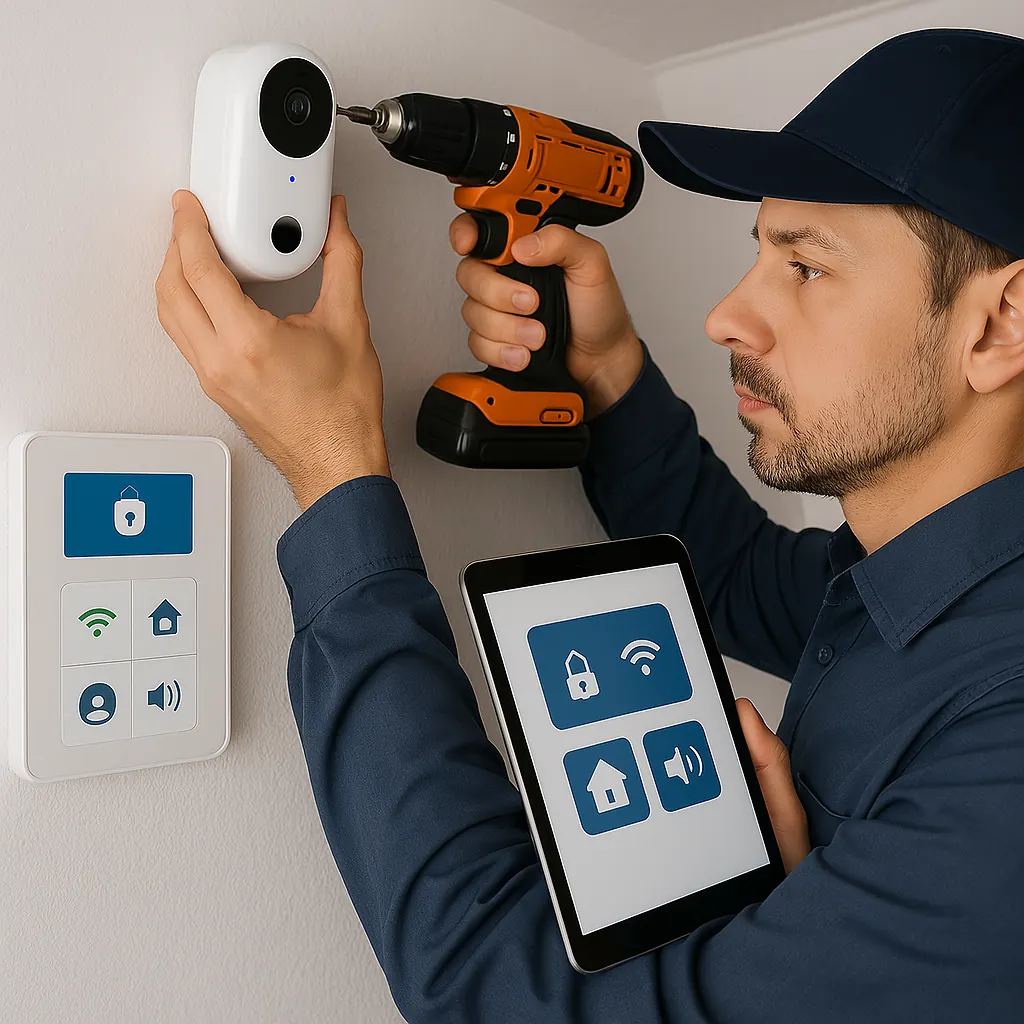
CC Technologies installs Ring and other video doorbells for homes in Charleston, Huntington and Hurricane. We’ll check your existing wiring and transformer, fix weak Wi-Fi at the front door, mount and angle the doorbell correctly and set up alerts and motion zones on your phone. Learn more about our security system installation.