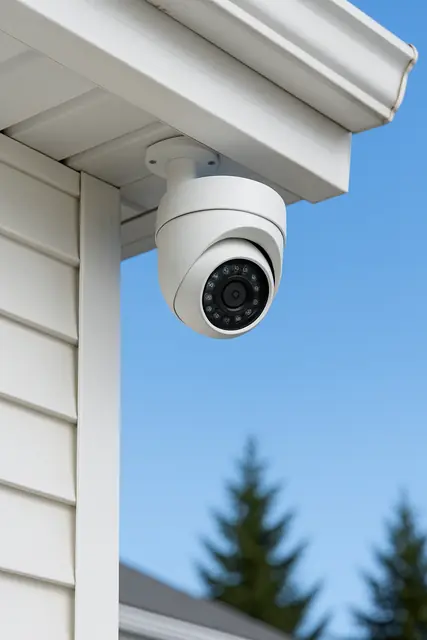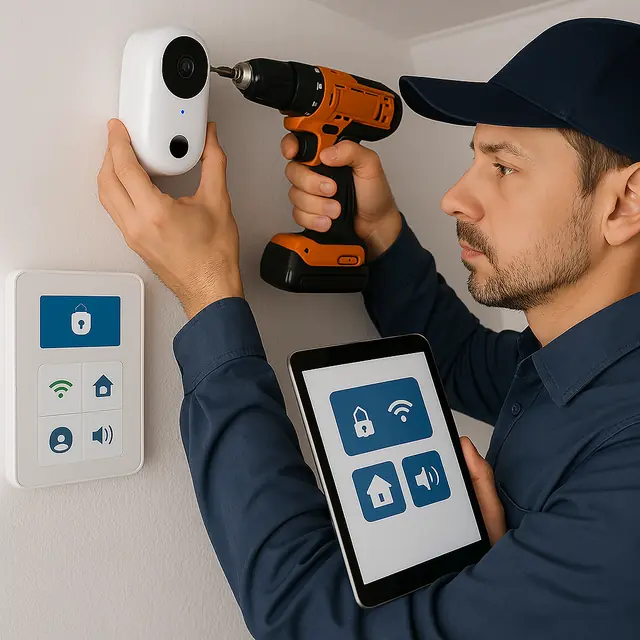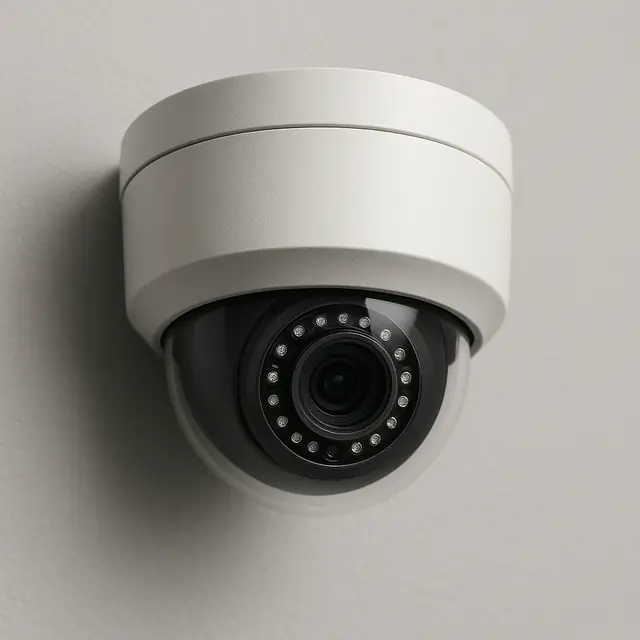

If you’re adding cameras to a home or business, or replacing an older system, you’ll run into two main types of security cameras: IP cameras and analog cameras. Both record video, but they work very differently, and the difference affects picture quality, features, wiring and what it costs to expand later.
Here’s a clear comparison to help property owners in Charleston, Huntington and Hurricane decide which makes sense.
What Is an Analog Camera System?
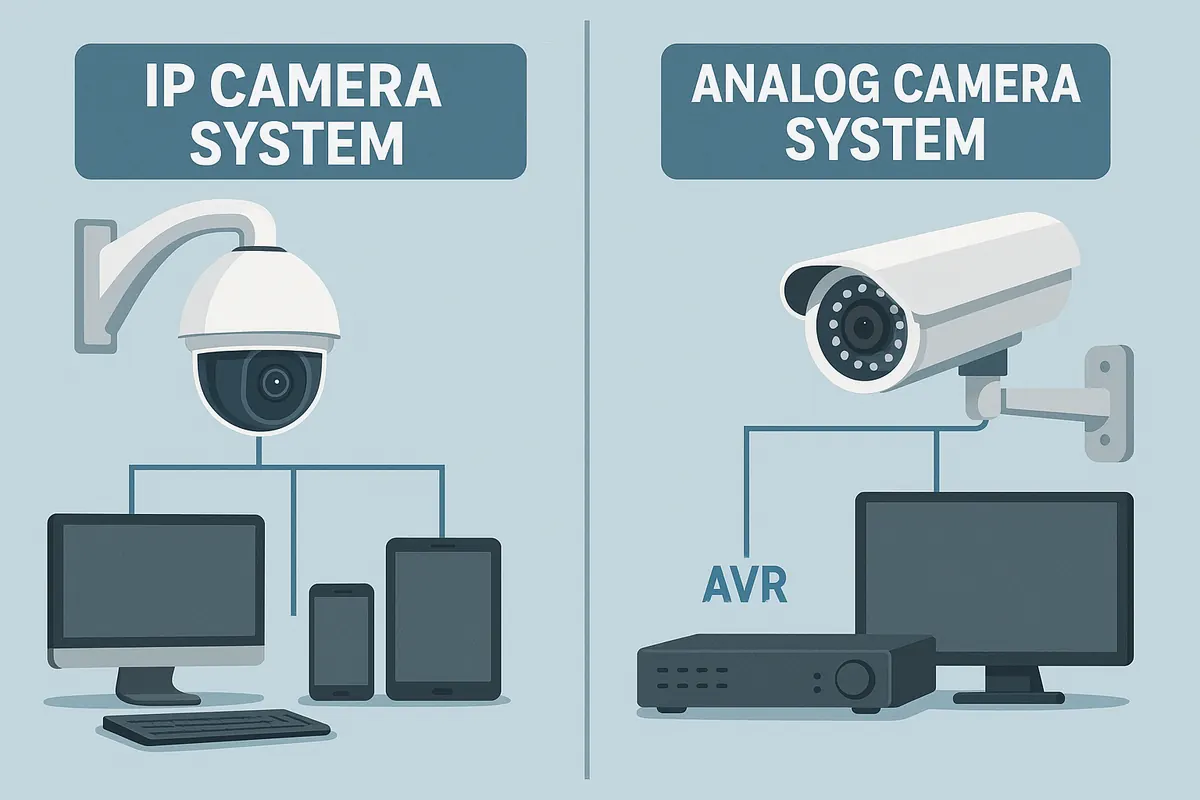
Analog cameras, often called CCTV cameras, send a video signal over coaxial cable to a digital video recorder (DVR). Each camera usually needs two connections: the coax cable for video and a separate power cable. Many older systems in homes and businesses are analog, often recognizable by thick round cables and a DVR box in a closet or office.
Newer “HD analog” formats improved picture quality over the old standard-definition systems, but analog is still limited compared to modern IP cameras.
What Is an IP Camera System?
IP (Internet Protocol) cameras are network devices. Each camera processes its own video and sends it over a network cable or Wi-Fi to a network video recorder (NVR), a cloud service or both. Wired IP cameras often use Power over Ethernet (PoE), so a single network cable provides both power and video.
Consumer brands like Ring, Arlo and Google Nest are Wi-Fi IP cameras. Business-style systems from brands like Reolink and other NVR systems typically use wired PoE IP cameras.
Side-by-Side Comparison
| IP cameras | Analog cameras | |
|---|---|---|
| Picture quality | Typically 2K to 4K and higher | Usually 1080p or lower |
| Wiring | One network cable (PoE) or Wi-Fi | Coax for video plus separate power |
| Smart features | Person and vehicle detection, phone alerts, zoom | Basic motion detection |
| Remote viewing | Built in | Possible through the DVR, often clunky |
| Expansion | Easy; add cameras to the network | Limited by DVR channels |
| Upfront cost | Higher per camera, though the gap has narrowed | Lower |
Video Quality
This is the biggest difference. IP cameras commonly record in 2K or 4K, which means you can zoom into a recording and still make out a face, a logo on a shirt or a license plate. Analog footage often turns blurry when you zoom in, which is exactly when you need detail most, like after a break-in or a package theft.
Wiring and Installation
Analog cameras need coax and a separate power run to each camera, or a combined “Siamese” cable. PoE IP cameras need just one standard network cable, which is easier to run and terminate. Wi-Fi IP cameras need no video cable at all, though they still need power from a battery, outlet or solar panel.
If you already have an analog system, the existing coax doesn’t have to be wasted. Depending on the setup, it can sometimes be reused with adapters, though in many cases running new network cable is the cleaner long-term solution.
Smart Features and Remote Viewing
IP cameras are built for the way people use cameras today. They can tell the difference between a person, a vehicle and an animal, send alerts to your phone, let you talk through the camera and make it easy to pull up recordings from anywhere. Analog DVRs can offer remote viewing, but the apps tend to be slower and harder to use, and motion alerts are less accurate.
Cost
Analog cameras are cheaper per camera, which is why they’re still sold. But IP camera prices have dropped a lot, and the total cost often ends up close once you factor in installation, recorder upgrades and the value of usable footage. For most new installations, IP is the better investment.
Scalability and Future-Proofing
An analog DVR has a fixed number of channels, so adding a fifth camera to a four-channel system means replacing the recorder. IP systems are much easier to grow. Add a PoE switch or a larger NVR, plug in the new camera and it’s on the system. IP cameras also receive firmware updates that add features and fix security issues over time.
Recording and Storage
Both systems record to a box in your home or business: a DVR for analog cameras and an NVR for IP cameras. How many days of footage you can keep depends on the hard drive size, the number of cameras, the resolution and whether cameras record continuously or only on motion. Modern IP cameras use efficient video compression (such as H.265), which lets you keep more days of high-resolution footage on the same drive.
Many households and small businesses aim for at least two to four weeks of recordings, so there’s time to notice a problem and go back to find it. IP systems also make it easy to back up important clips to your phone or the cloud and to share them with police or your insurance company.
When Analog Still Makes Sense
Analog can still be a reasonable choice if you have a working analog system with good cable already in place, you only need basic coverage and you’re working with a tight budget. In that case, upgrading the DVR and replacing a few cameras with HD analog models can stretch the life of the system.
Signs It’s Time to Upgrade to IP
- Your footage is too blurry to identify people or vehicles.
- You can’t easily view cameras on your phone.
- Your DVR is old, full or failing.
- You want to add cameras but you’re out of DVR channels.
- You’re getting constant false motion alerts.
For more warning signs, see when you should upgrade your security hardware.
Our Recommendation
For most homes and businesses in West Virginia, IP cameras are the better choice: sharper footage, easier remote viewing, smarter alerts and room to grow. Wired PoE IP cameras are our go-to for businesses and larger properties, while Wi-Fi cameras like Ring are a great fit for many homes. If you have an existing analog system, we’ll look at what can be reused before recommending a replacement. Learn more about our security camera installation.