
Smart locks have gone from a gadget to one of the most popular home upgrades. They let you lock and unlock your door from your phone, give family and guests their own codes and check whether you remembered to lock up. But are they actually worth it, and are they as secure as a regular deadbolt?
Here’s an honest look at how smart locks work, what they’re good at, where they fall short and how to pick the right one for your home.
How Smart Locks Work
A smart lock is a motorized deadbolt that can be controlled electronically. Depending on the model, you can unlock it with a keypad code, your phone, a fingerprint, a voice assistant or an automation (like locking every night at 10 p.m.). Most also keep a physical key as a backup.
Smart locks connect in one of a few ways:
- Wi-Fi: connects straight to your router. Easy remote control, but uses more battery.
- Bluetooth: works when your phone is nearby. Great battery life, but no remote control unless paired with a hub or bridge.
- Z-Wave or Zigbee: connects to a security system or smart home hub. Very reliable and ties the lock into the rest of your system.
- Thread/Matter: a newer standard designed to work across Apple, Google and Amazon smart homes.
The Benefits
- No more “did I lock the door?”: check and lock from anywhere.
- Codes instead of spare keys: give each family member, babysitter, dog walker or contractor their own code, and delete it when they no longer need it.
- Entry history: see who came and went and when, which is handy for knowing when the kids got home from school.
- Auto-lock: the door locks itself after a set time, so it never stays unlocked by accident.
- Works with your security system: arm the alarm when the door locks, or turn on lights when it unlocks.
- Great for rentals and vacation homes: send a guest a code before they arrive.
The Drawbacks
- Batteries: most smart locks run on AA batteries that typically last several months to a year. The lock and app warn you well before they die, and most have a backup key or emergency power contacts.
- Cost: smart locks cost more than a standard deadbolt.
- Wi-Fi dependence: Wi-Fi models can’t be controlled remotely when your internet is down, though the keypad and key still work.
- Door alignment: if your door sticks or the deadbolt doesn’t slide freely, the motor will struggle. This is one of the most common installation problems, and it’s easily fixed with a quick adjustment.
Are Smart Locks Secure?
A good smart lock is at least as secure as a standard deadbolt, and the extra features make many households more secure in practice, simply because the door actually gets locked. A few tips:
- Choose a lock with a strong, certified deadbolt rated for residential security.
- Use unique codes for each person and delete codes you no longer need.
- Turn on two-factor authentication for the lock’s app account.
- Keep the lock’s firmware and app updated.
- Remember that the door, frame and strike plate matter as much as the lock. Long screws in the strike plate make any deadbolt much harder to kick in.
For a deeper comparison, read smart locks vs. traditional locks.
Types of Smart Locks
- Keypad deadbolts: the most popular style. Enter a code or use your phone, with a key as backup.
- Retrofit locks: attach to the inside of your existing deadbolt, so you keep your current keys and exterior hardware.
- Fingerprint locks: unlock with a touch. Handy for families with kids.
- Smart handlesets and lever locks: for front doors that need a matching handle, and for side or garage entry doors.
What Installation Involves
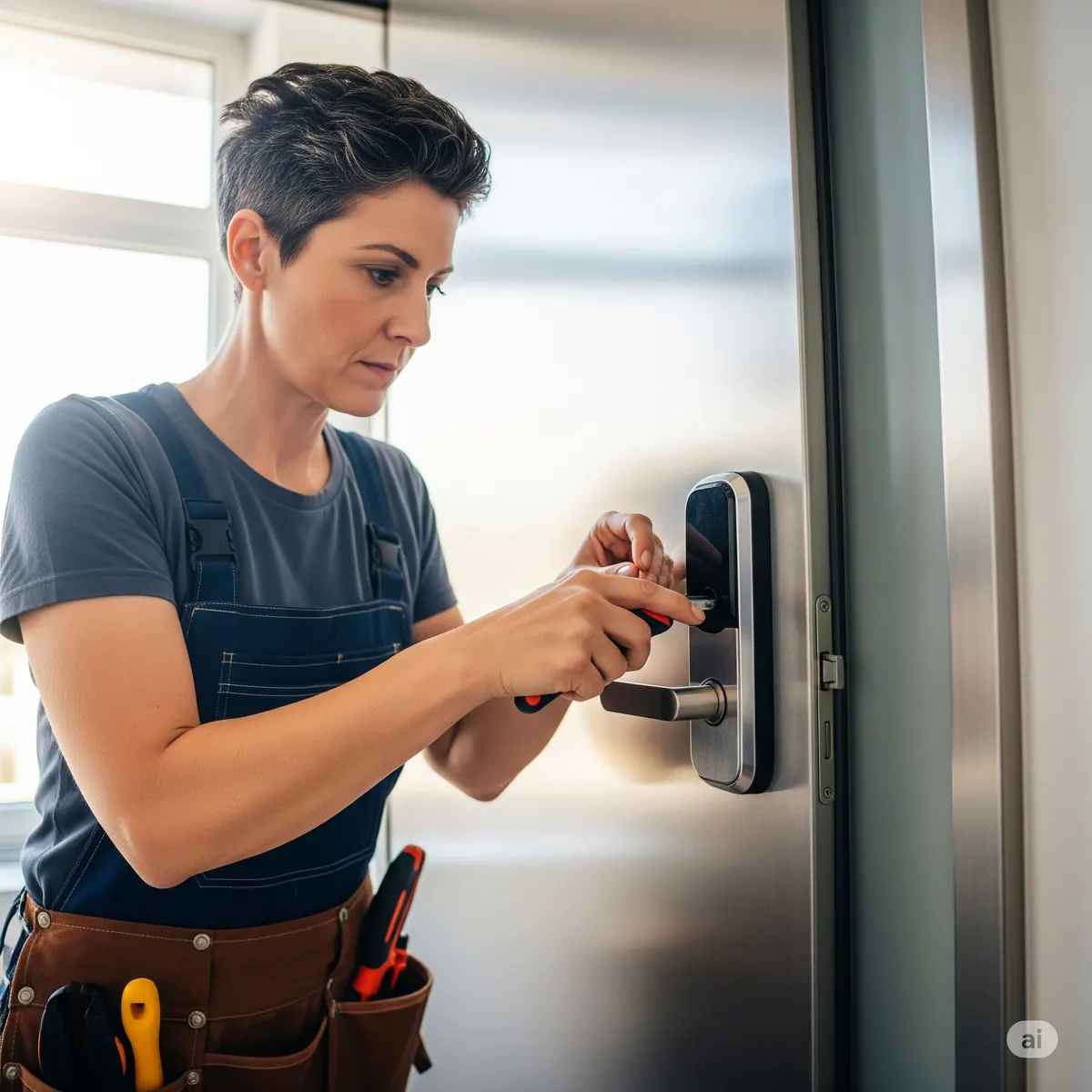
Most smart locks fit the standard holes already drilled for a deadbolt, so installation usually doesn’t require new drilling. The process typically includes removing the old deadbolt, checking that the door and strike plate line up so the bolt slides freely, installing the new lock, connecting it to your app or hub, setting up codes for each person and testing auto-lock and remote control.
Most of the time goes into the part people skip: alignment. If the bolt rubs or the door has to be pushed to lock, the motor works harder, drains batteries faster and may fail to lock. A few minutes adjusting the strike plate makes a big difference in how reliable the lock is.
Smart Locks and Your Security System
Smart locks are most useful when they work with the rest of your home. Connected to a security system like Ring Alarm or a smart home hub, a lock can arm the system when you lock up at night, disarm it when a family member enters their code and send you an alert if the door is unlocked when nobody is supposed to be home. Paired with a video doorbell, you can see who’s at the door and let them in from your phone.
Things to Consider in West Virginia
- Cold weather: batteries lose capacity in the cold, so exterior-facing keypads on unheated doors may need batteries more often in winter. Lithium batteries handle cold better.
- Older doors: many older homes have doors that have shifted over the years. Getting the deadbolt to slide smoothly is key to a reliable smart lock.
- Rural internet: if your internet is unreliable, a lock that works through a security system hub or Bluetooth may be a better fit than a Wi-Fi-only model.
So, Are Smart Locks Worth It?
For most households, yes. A smart lock solves everyday problems, like forgotten keys, kids coming home after school and wondering if you locked up, while adding real security. They’re especially worth it for busy families, people who travel, landlords and anyone who gives access to babysitters, cleaners or contractors.
CC Technologies installs smart locks as part of our smart home and security installation in Charleston, Huntington and Hurricane. We’ll help you choose the right lock, make sure your door is aligned so it works smoothly, and connect it to your app and security system.