

Most small-business meetings don’t need a lot of fancy technology. They need a screen everyone can see, sound everyone can hear and a setup that works the moment people walk in. Yet in plenty of offices around Charleston, Huntington and Hurricane, meetings start with hunting for the right cable, fighting with the remote or asking, “Can you hear that in the back?”
A well-planned conference room fixes that. This guide walks through what to think about before you upgrade your meeting space, in plain English, so you know what to ask for and what you can skip.
Start With How You Actually Use the Room
The best audio/video setup is built around your meetings, not around a list of equipment. Before choosing anything, think about:
- Who meets in the room and how many people usually sit at the table.
- What gets shown, such as slides, spreadsheets, videos or a website you’re walking a client through.
- Who runs the meeting, and how comfortable they are with technology.
- What else the room is used for, such as training sessions, lunch-and-learns or a break room that doubles as a meeting space.
Answering these questions first keeps you from overspending on features you won’t use, or underbuying and living with a room that still frustrates everyone.
Choose the Right Display for the Room
The display is the centerpiece of most meeting rooms. A screen that’s too small forces people to squint at spreadsheets, while one mounted at the wrong height leaves the back row craning their necks. When planning a display, consider:
- Room size and seating distance. The farthest seat should still be able to read text comfortably.
- Mounting height and angle. A securely mounted display at the right height is easier to see and keeps the table clear.
- Light in the room. Windows and overhead lights can wash out a screen, so placement matters.
Don’t Forget the Audio
Poor sound is one of the biggest reasons meetings drag. If people at the far end of the table can’t hear a video or a presenter, the room isn’t doing its job. Speakers should be placed so sound reaches every seat evenly, then the system should be tuned for the room so voices are clear and not boomy or harsh.
Make It Easy to Start a Meeting
One of the most common frustrations with conference rooms is that they’re confusing. A good setup should let anyone on your team walk in and get started without calling for help. That usually means:
- A simple, consistent way to connect a laptop to the display.
- As few remotes as possible, with clear labels on anything people need to touch.
- Equipment that is set up, tested and calibrated before anyone relies on it.
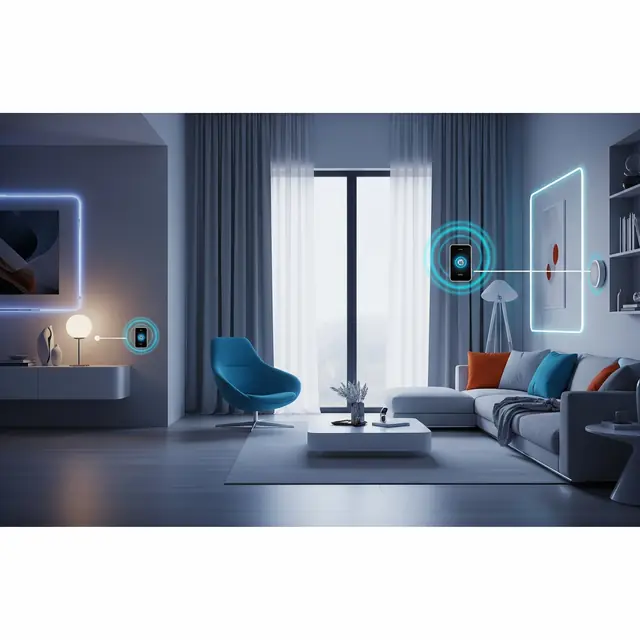
If your business already uses smart home or smart office controls, your display, speakers and lighting can also be connected so they can be controlled from a phone or by voice.
Keep the Cables Out of Sight
Loose cables across the floor or dangling behind a TV make a room look unfinished, and they’re a tripping hazard. Clean cable management hides or neatly routes wiring so the room looks professional when clients visit.
Think Beyond the Conference Room
Meeting rooms aren’t the only place a business can benefit from good audio/video. Screens in a lobby or common area can share announcements or information with visitors and staff. Training rooms may need clear sound for larger groups. Planning these spaces together can keep your equipment consistent and easier for your team to use.
Plan for Support After Installation
Technology changes, and so does your business. You might add a second meeting room, move offices or simply have a question months later. Before you hire anyone, ask who you’ll call when something stops working. With CC Technologies, you work directly with the owner, and the person who plans your project is the person who installs it and supports it afterward.
How CC Technologies Can Help
CC Technologies provides audio/video installation for homes and businesses in Charleston, Huntington, Hurricane and the surrounding communities. Every project starts with a free consultation, where we talk through how you use the space and take a look at the room. From there, you get an equipment plan and a clear quote that fits your budget, followed by a clean installation with hidden wiring, full testing and calibration. Want to see the other ways we help homes and businesses with sound and picture? Read our audio/video installation guide.
Ready to make your meeting room easier to use? Contact us, email about@cctechnologieswv.com or call (304) 543-3822 for a free consultation.