
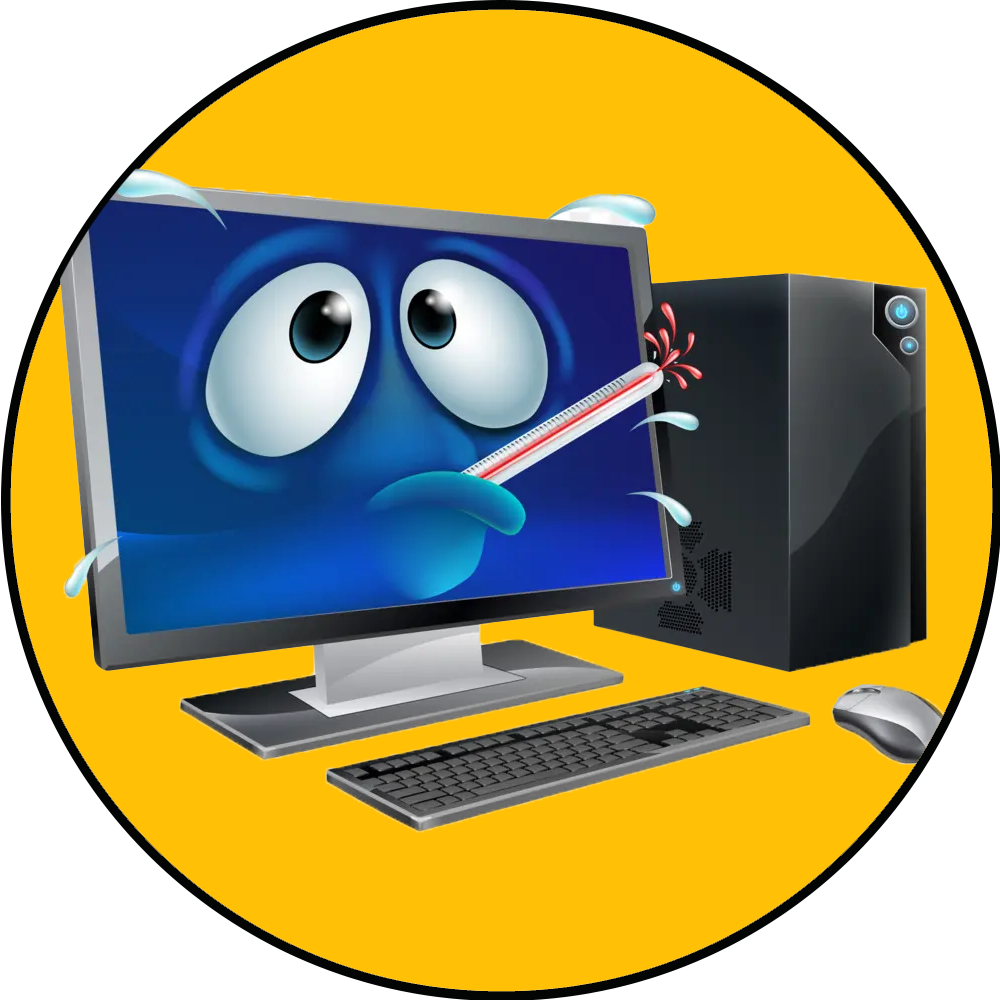
Your computer takes forever to start, programs freeze, or the fan sounds like it’s about to take off. Sooner or later, every home and small-business owner faces the same question: is it worth fixing, or is it time for a new one?
There isn’t one answer that fits every machine. Sometimes a simple repair or upgrade buys years of reliable use. Other times, putting more money into an aging computer only delays the inevitable. Here’s how we help customers around Charleston, Huntington and Hurricane make that call, in plain English and without the sales pitch.
Start With a Proper Diagnosis
A slow or unreliable computer can have many different causes, and the fix depends on finding the real one. A failing hard drive, a virus, a full disk, too many programs starting at once or simply not enough memory can all look the same from the outside.
That’s why the first step is always diagnostics. Many problems can be checked over a secure remote connection, while hardware issues may need hands-on testing. Once you know what’s actually wrong, the repair-or-replace decision gets much easier.
Signs a Repair or Upgrade Makes Sense
An older computer isn’t automatically a lost cause. Repairing or upgrading is often the smarter choice when:
- The computer is mostly just slow. Adding a solid-state drive (SSD) or more memory can make an older computer feel new for a fraction of the cost of replacing it.
- The problem is software, not hardware. Errors, crashes, pop-ups and sluggishness caused by viruses, malware or misbehaving programs can often be cleaned up without replacing anything.
- One part has failed. A bad drive, power issue or other single component can often be replaced while the rest of the machine stays in service.
- It still does everything you need. If the computer handles your daily work and simply needs a tune-up, there’s no reason to replace it early.
Signs It’s Time to Replace
On the other hand, replacement is usually the better investment when:
- Repairs would cost close to a new computer. If the fix is expensive and the machine is already aging, the money is often better spent on something new.
- Multiple parts are failing. When one problem leads to another, you may be heading toward more downtime and repeat repairs.
- It can no longer run the software you need or stay current with security updates. An outdated computer can become a security risk, especially for a business.
- Upgrades won’t solve the problem. Some computers simply can’t be upgraded enough to keep up with how you use them.
If a repair doesn’t make sense, we’ll tell you honestly and help you choose a replacement that fits how you actually use your computer.
Don’t Forget About Your Files
Whichever way you go, your data is often the most valuable thing on the computer. Before any major repair or replacement, make sure your important files are backed up. If a drive has already failed, data recovery may still be possible.
When it’s time for a new computer, the setup matters too. We set up new computers, printers and other devices so they’re connected and ready to use, with your files moved over. Going forward, automatic backups help protect your files so a future failure doesn’t become a crisis.
A Note for Small Businesses
For a business, a computer that keeps acting up costs more than the repair bill. It costs time, frustrates employees and can bring work to a stop. If you’re dealing with frequent problems across several machines, ongoing maintenance can help. Regular updates, backups and security checks catch small issues before they turn into downtime, and they make planning replacements much more predictable.
Older computers that no longer receive updates can also create security gaps. Our small business cybersecurity checklist covers the basics of keeping every device protected.
Get an Honest Answer from CC Technologies
CC Technologies provides tech support and computer repair for homes and small businesses in Charleston, Huntington, Hurricane and the surrounding areas. You work directly with the owner, and we’ll explain the problem and your options before starting any work, so there are no surprises. If a virus or security issue is part of the picture, see our cyber security services as well.
Not sure whether to fix it or replace it? Contact us, email about@cctechnologieswv.com or call (304) 543-3822 for a free consultation.